How to play Fantasy World Manager
Create a world, paint land and water in the World Editor, drop a town with the tile inventory, add a faction and a few NPC templates, then start the clock and watch. The tutorial covers this in 5-10 minutes; this page covers what it skips.
You start with an empty world and no instructions beyond a short tutorial that runs five to ten minutes. That tutorial covers the controls; it does not cover the order of operations, and the order is where first worlds go wrong. Here is the sequence that gets you from a blank map to a village that does something on its own, without repainting terrain twice.
The first hour, step by step
- Create the world and keep it small. Choose a map size you can see on one screen at default zoom. You can build a second world later; you cannot easily unbuild a bad first one. The prefab toggle is on by default and imports the bundled example content, which is useful for learning what a finished zone looks like.
- Paint the base layer. Water first, then land, then the terrain you actually care about. Terrain sits on layers, so a mistake on layer 0 is cheaper to fix than a mistake in the object layer.
- Draw one region. Regions are the large brushstroke that groups zones. One region for the whole starting area is enough.
- Draw two or three zones inside it. A zone is where rules live: owner, faction, whether it can be conquered, weather, fog and creature spawns. Two zones with different owners is the minimum for anything political to happen.
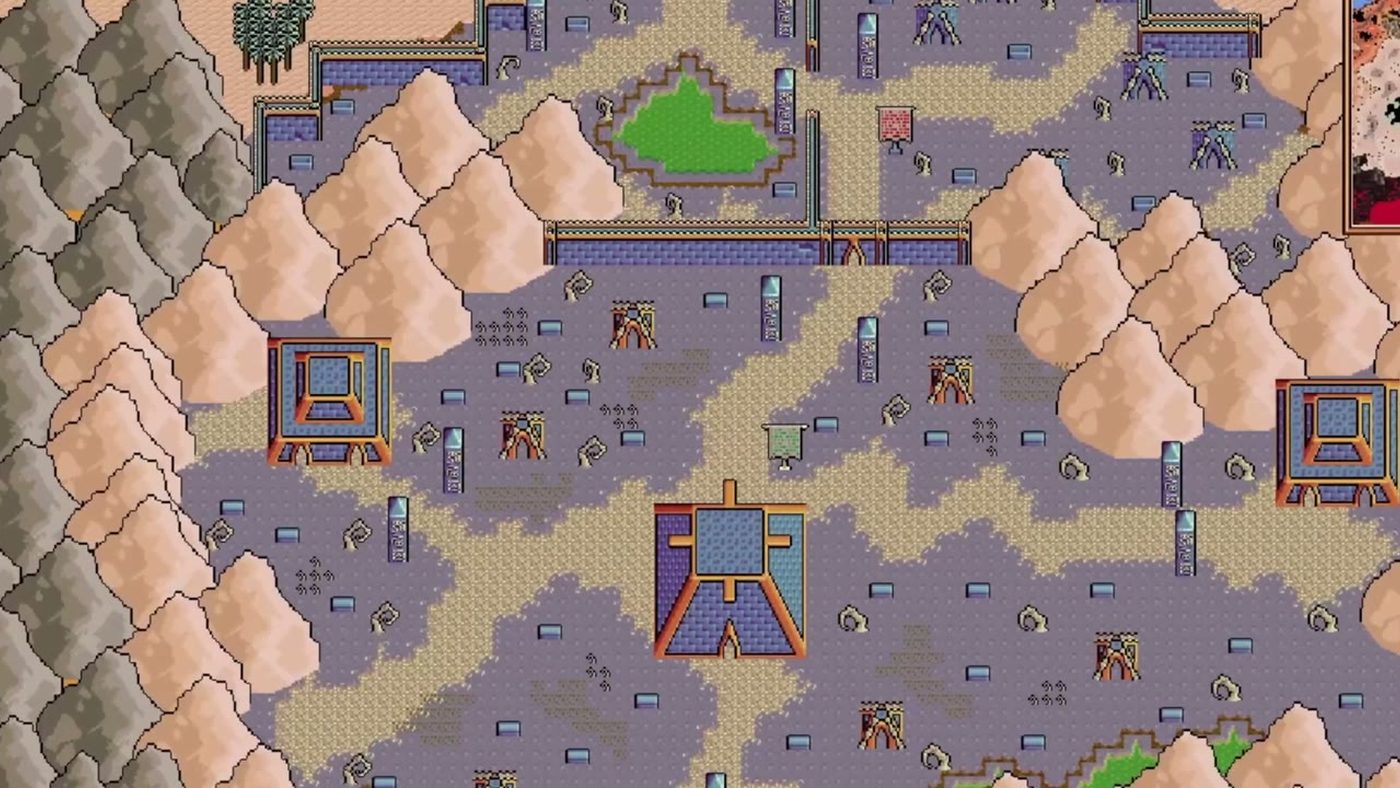
- Place a settlement. Use the tile inventory, filter by category, and drop houses, a well, paths and a wall if you want one. The tile catalog is large; the search field is faster than scrolling.
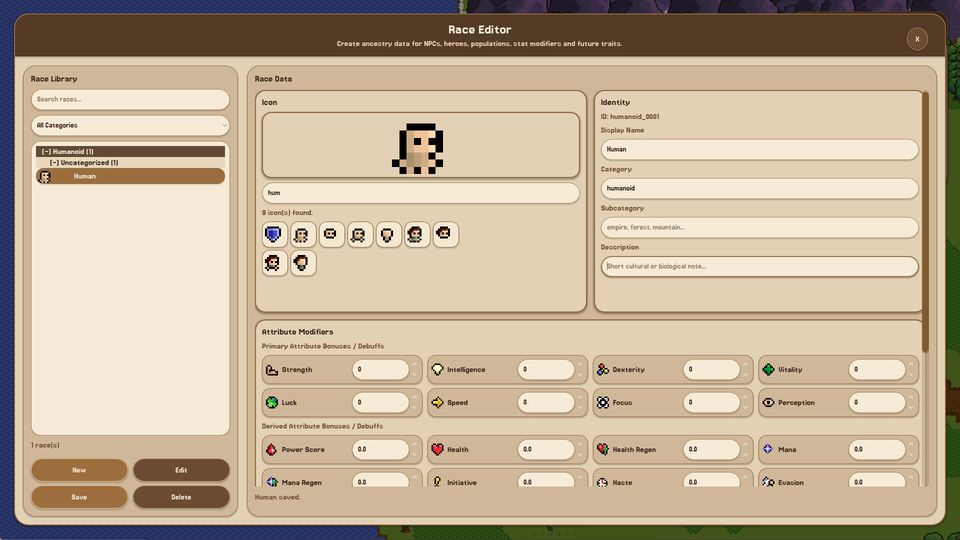
- Create a race and an NPC template. A race sets attribute modifiers; an NPC template assigns a race and a visual. One race and one NPC type is enough for a first run.
- Create or adopt a faction and give it the zone. Factions are what generate quests and what diplomacy acts on. A faction with no zone has nothing to defend and nothing to want.
- Unpause and watch. Start at speed 2 or 3 rather than maximum. You are looking for movement, not progress: heroes picking up quests, creatures spawning in the zone you configured, a border changing colour.
The checklist that matters
| Step | Done when | If you skip it |
|---|---|---|
| World created small | The whole map fits on screen | You cannot see cause and effect |
| Terrain on layers | Water and land are separate from objects | Every fix repaints the map |
| One region drawn | Region inventory shows one entry | Zones have no parent, rules get messy |
| Two zones with owners | The zone panel shows two different owners | Nothing political can happen |
| A settlement placed | Buildings sit on walkable ground | Heroes path around nothing |
| One race, one NPC | Both libraries show an entry | Towns are empty of people |
| A faction holds a zone | Faction inspector lists the zone | Quests have no source |
| Simulation unpaused at x2-x3 | Time advances, entities move | You never learn what the AI does |
What the tutorial leaves out
The tutorial shows you tools; it does not tell you that zones drive the simulation. Ownership, spawn rules and the conquerable flag are not decoration. A map with beautiful terrain and no zone ownership behaves like a diorama: creatures spawn where the global settings say, factions have no borders to argue over, and nothing changes hands.
It also does not warn you about scale. Every system in the game is per-entity: needs, hunger, equipment, ageing, quests. A hundred villagers is fine. A thousand villagers across six factions is where the simulation starts costing more than it gives back, and where you stop being able to read what happened.
Reading the screen
The top-left of the world screen names the mode you are in - World Management when you are placing and inspecting, an editor name when you have a panel open. The minimap sits in its own panel with a fit control. The calendar reads year, month, day and time, and the speed state sits next to it, showing paused when the clock is stopped.
That calendar is not cosmetic. A month is a single in-game day in the launch build, so a year passes quickly at high speed and slowly at x1. The time and speed page has the real-minute cost of each step.
Where to go next
Once a village survives a hundred in-game days without your intervention, the next step is not a bigger map - it is the world editor and then the zone layer. If you would rather build a small world properly from the start, the beginner guide takes the slower route with the same destination.