Performance, settings and specs
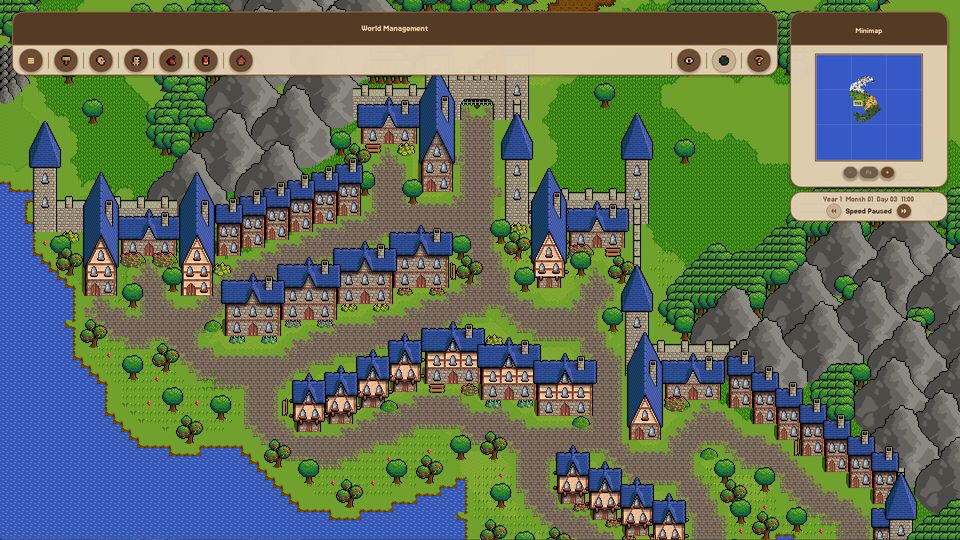
Minimum is an i3-6100, 4 GB of RAM, Intel HD 530-class graphics with a Vulkan 1.0 driver and 4 GB of disk. Large worlds cost more in simulation than in rendering, so speed settings matter more than shadows.
The official requirements for Fantasy World Manager are unusually low for a 2026 release, and unusually specific about one thing. Here is the full picture, plus what the numbers mean in practice.
Official requirements
| Minimum | Recommended | |
|---|---|---|
| OS | 64-bit Windows | 64-bit Windows |
| Processor | Intel Core i3-6100 or equivalent | Not specified |
| Memory | 4 GB RAM | Not specified |
| Graphics | Intel HD Graphics 530 or equivalent, with a Vulkan 1.0-compatible driver | Not specified |
| DirectX | Version 9.0 | Version 9.0 |
| Storage | 4000 MB available | Not specified |
Two things stand out. The recommended column is essentially empty beyond DirectX, which tells you the developer expects the same machine to run it either way. And the graphics line includes a software requirement - a Vulkan 1.0-compatible driver - that is stricter than the hardware tier suggests.
The Vulkan clause is the real gate
An Intel HD 530 is 2015 integrated graphics. Plenty of machines from that era run the game; plenty of machines from that era fail, because their drivers never shipped Vulkan 1.0 support or shipped it badly.
What that means before you buy:
- Integrated graphics from around 2015 or newer, with a current vendor driver: expect it to run at modest settings.
- Older integrated graphics: check whether your driver exposes Vulkan at all before blaming the game.
- Anything with a discrete GPU from the last eight years: comfortably above the bar.
- Laptops with switchable graphics: make sure the game is using the discrete GPU, not the integrated one.
If you are unsure, the cheapest test is to buy, launch, and refund within Steam's window if it will not start. That is what the window is for, and the requirements are published precisely enough that a failure is predictable rather than mysterious.
Platform reality
Windows only at launch. Mac and Linux support is planned for the coming months according to the developer, and Proton compatibility is described as already workable but not officially supported. A mobile port exists as an intention with no priority before the first major update in 2027.
If you are on macOS, the honest answer today is: not officially supported, wait, or experiment with Proton-style translation at your own risk.
What actually costs performance
Rendering is not the bottleneck in this game. The simulation is.
| Cost | Scales with | Mitigation |
|---|---|---|
| Simulation tick | Entities with needs, equipment, quests, ageing | Fewer entities, lower speed |
| Pathfinding | Moving entities and the complexity of your layout | Simpler settlements, fewer dead ends |
| Rendering | What is on screen at the current zoom | Zoom in less, smaller visible area |
| Editor painting | Brush size and layer count | Smaller brushes on dense areas |
The practical consequence: a small, detailed map runs better than a large, populated one. If your world stutters, the fix is almost always social rather than graphical - fewer villagers, fewer creatures, fewer simultaneous quests.
Speed settings are a performance setting
Five speed steps exist, and each one multiplies simulation work per real second. At x1 a day takes twenty minutes, at x3 five minutes, and at x5 a year passes in about 48 minutes. That last figure is the whole year's worth of needs, quests, movement and combat compressed into three quarters of an hour.
Running at x5 on a populated map is the most demanding thing you can ask the game to do, and it is also the setting where the simulation becomes hardest to read. There is a performance argument and a comprehension argument for the same choice: run slower.
Settings worth changing first
The build exposes graphics and audio settings, plus a launch-time renderer choice on some configurations. Priorities, in order:
- Resolution - run at native, and at 1920x1080 or above if you can. The UI scaling issue on smaller screens is the one known resolution problem.
- Renderer - if the default path misbehaves, try the alternative before you assume hardware failure.
- Shadows and lighting - the game has a lighting and shadow system; it is the first thing to turn down on weak integrated graphics.
- Windowed vs full screen - full screen is the safer default on low-end laptops.
Related pages
If the game will not start at all, the launch problems page walks through the order of checks. If you are deciding whether the current build is worth your time, the Early Access state page is the honest snapshot, and the price and platforms page has the buying details.