POI templates and the prefab system
A POI template is one landmark with a visual and a minimap icon. A prefab is a bigger exportable chunk. Both exist so you build a thing once and place it many times.
Two tools solve the same problem at different scales. A point of interest template makes one landmark reusable; a prefab makes a whole chunk of a world reusable. Knowing which one you want saves a surprising amount of rebuilding.
POI templates
A POI template is a single landmark definition. The editor is small and specific:
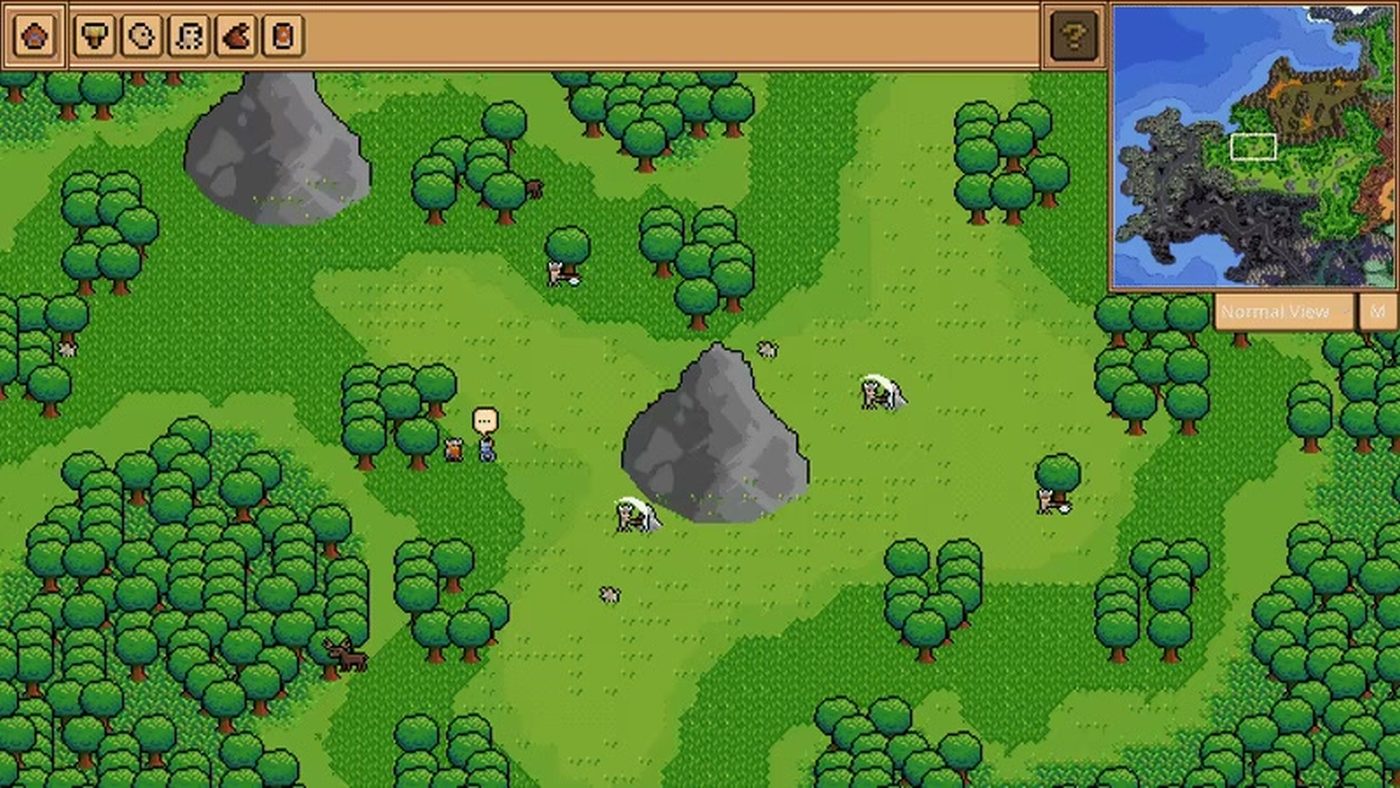
| Field | What it holds | Why it matters |
|---|---|---|
| Visual | The chosen artwork for the landmark, drawn from the visual library | What players actually see on the map |
| Minimap icon | A separate icon, chosen from the icon library | How the landmark reads at map zoom |
| Name | The template's identity | How you find it in the library later |
The visual library is filtered by type, so the panel shows the art that fits the kind of point of interest you are building rather than the entire catalog. The minimap icon is deliberately separate: a windmill can be a detailed building on the map and a tiny mill glyph on the minimap, and that separation is what keeps a dense world readable when zoomed out.
Templates are stored inside the world folder, in a per-type directory, which is why a POI built for one world can be copied into another as a file rather than rebuilt by hand.
Prefabs
A prefab is pre-created editor content that can be imported and exported. The launch build ships with a default prefab that can be toggled on or off during world creation, and the same system lets you package your own content.
Where prefabs beat POI templates:
- A district with buildings, paths and props, placed as one object.
- A dungeon entrance with its surroundings.
- A starting village you want to reuse across several worlds.
- A set of templates you want to hand to another player.
Where they lose: a single tree or a single well does not need a prefab. If you find yourself exporting one object, a POI template is the cheaper tool.
Which one to use
| You want to reuse | Use | Because |
|---|---|---|
| One landmark with a map identity | POI template | It carries a minimap icon and a library entry |
| A group of buildings and props | Prefab | It preserves relative placement |
| A starting area for new worlds | Prefab, toggled at creation | It is imported wholesale |
| A single decorative object | Neither - the tile inventory is enough | Reuse cost is lower than the setup |
A workflow that keeps the library sane
- Build the thing once, in a test corner of the map.
- Check it from map zoom. If it reads as a grey smear from above, fix the silhouette before exporting.
- Export as the smallest unit that makes sense. One building per prefab is usually too small; one district is usually right.
- Name for the library, not for the moment. "Harbour district, stone" survives six months; "test3" does not.
- Delete the test corner before you save the final world.
That fourth step matters more than it looks. The prefab library is the one place where your world's history accumulates, and a library of unlabelled exports is worse than no library at all.
Sharing what you make
Prefabs are one of the three Workshop content types supported at launch, alongside worlds and custom sprites. That means a district you build on a Tuesday can be published and used by someone else on Wednesday, which is the fastest way to get feedback on whether your building style actually works in another player's simulation.
The Workshop guide covers publishing, and the world editor basics covers the tools you will use to build the thing in the first place.