Steam Workshop and sharing
Workshop support is live from the Early Access launch with three content types: worlds, prefabs and custom sprites. Subscribing adds content to your game; your own world folder stays local.
Fantasy World Manager shipped with Steam Workshop support on day one, which is unusual for an Early Access launch and changes what a first month with the game looks like. You are not limited to what you can build alone.
The three content types
| Type | What it is | Best for |
|---|---|---|
| Worlds | A complete world folder, published as a unit | Sharing a finished map, or downloading someone else's setting |
| Prefabs | Reusable editor content, importable into a world | Districts, landmarks, template sets |
| Custom sprites | Artwork brought into the game and shared | Replacing visuals without replacing mechanics |
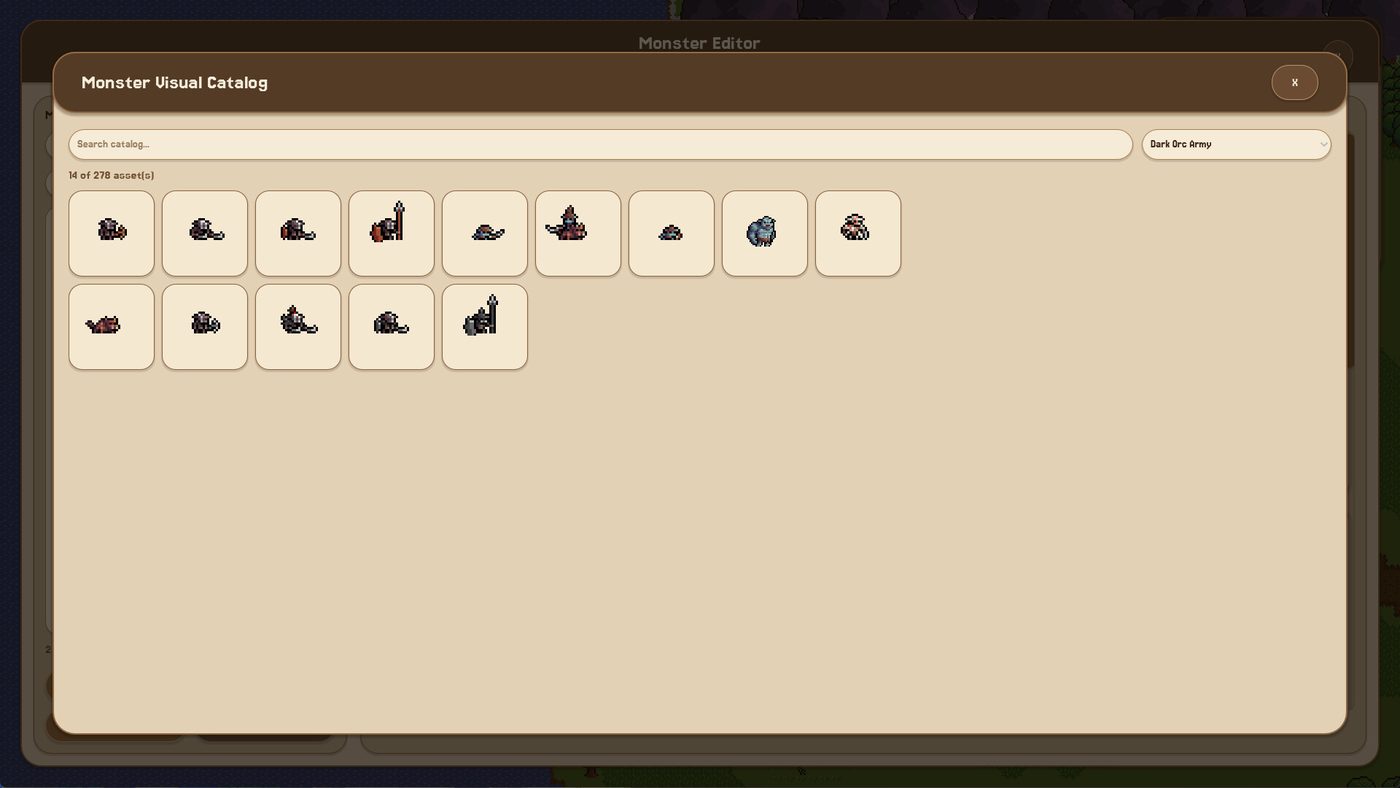
Worlds are the heavy option: everything the world depends on travels with it, so a subscription can drop a complete setting into your game. Prefabs are the light option: one district, one dungeon entrance, one starting village. Custom sprites are the option that changes how the game looks rather than what it contains.
Publishing a world without regretting it
A world upload carries more than the map. Before you publish:
- Check the libraries. Every NPC, monster, race, item and equipment template referenced by the world travels with it. Test templates you forgot to delete will be in there.
- Trim the object layer if the world only needs to look good from map zoom. Decorative props cost size and load time.
- Write the description for a stranger. What is the setting, how many factions, what should they do first, how long does a simulated year take at their speed.
- Keep a local copy. A published world is a copy, not a backup; your working folder stays yours.
The fourth point matters more than it sounds. Subscribing to your own upload is not a backup, and unsubscribing can remove content you were relying on.
Subscribing to other people's work
Two habits make Workshop content safe to use:
- Read the dependency list if a prefab expects a template set you do not have. A prefab that references missing templates will place something, but not necessarily the thing the author intended.
- Test in a scratch world first. Drop the subscribed content into a throwaway world, look at it, then decide whether it goes into the world you care about.
Because a world carries its own content, subscribing to a world is the least risky way to see how someone else solved a design problem - you get the whole thing in a known state rather than a fragment that may or may not fit.
What Workshop does not cover yet
| Missing | Status |
|---|---|
| Code mods | Planned for the 1.0 release, with a modding framework |
| Shared template libraries as a separate type | Templates travel inside worlds and prefabs |
| A rating or curation system beyond Steam's own | Steam's own Workshop tools apply |
The developer describes Workshop integration as expanding in every phase of the roadmap, so expect more content types rather than fewer.
The realistic first month
The most useful thing about a launch Workshop is not the quality of what is there in week one - it is that you can see how other people structure a world. Open a subscribed world, look at its region inventory, read a zone panel, check how many templates its author kept. That is a faster education than any tutorial.
If you publish something in that first month, publish a prefab rather than a world. It is smaller, easier to describe, and more likely to be used by someone who is mid-project.
Related pages
The POI and prefab guide covers building content worth sharing, the world editor basics covers the tools, and the roadmap page shows when modding support arrives.